Prepare the service
Choose an existing item or a reviewed tracked service. Classic and Service-focused billing both support existing items.
Stage 1 of 4 · Your role and company settings determine the available action.
Connect counter billing with applicant services, processing steps, assigned staff and due work. Keep ordinary item billing familiar while tracking the services that need a workflow.
For teams in the UAE · Company activation and permissions apply
Manage applicant services, fees, job tracking and counter billing.
Choose a stage to understand what happens next. This is an illustrative walkthrough using sample data.
Choose an existing item or a reviewed tracked service. Classic and Service-focused billing both support existing items.
Stage 1 of 4 · Your role and company settings determine the available action.
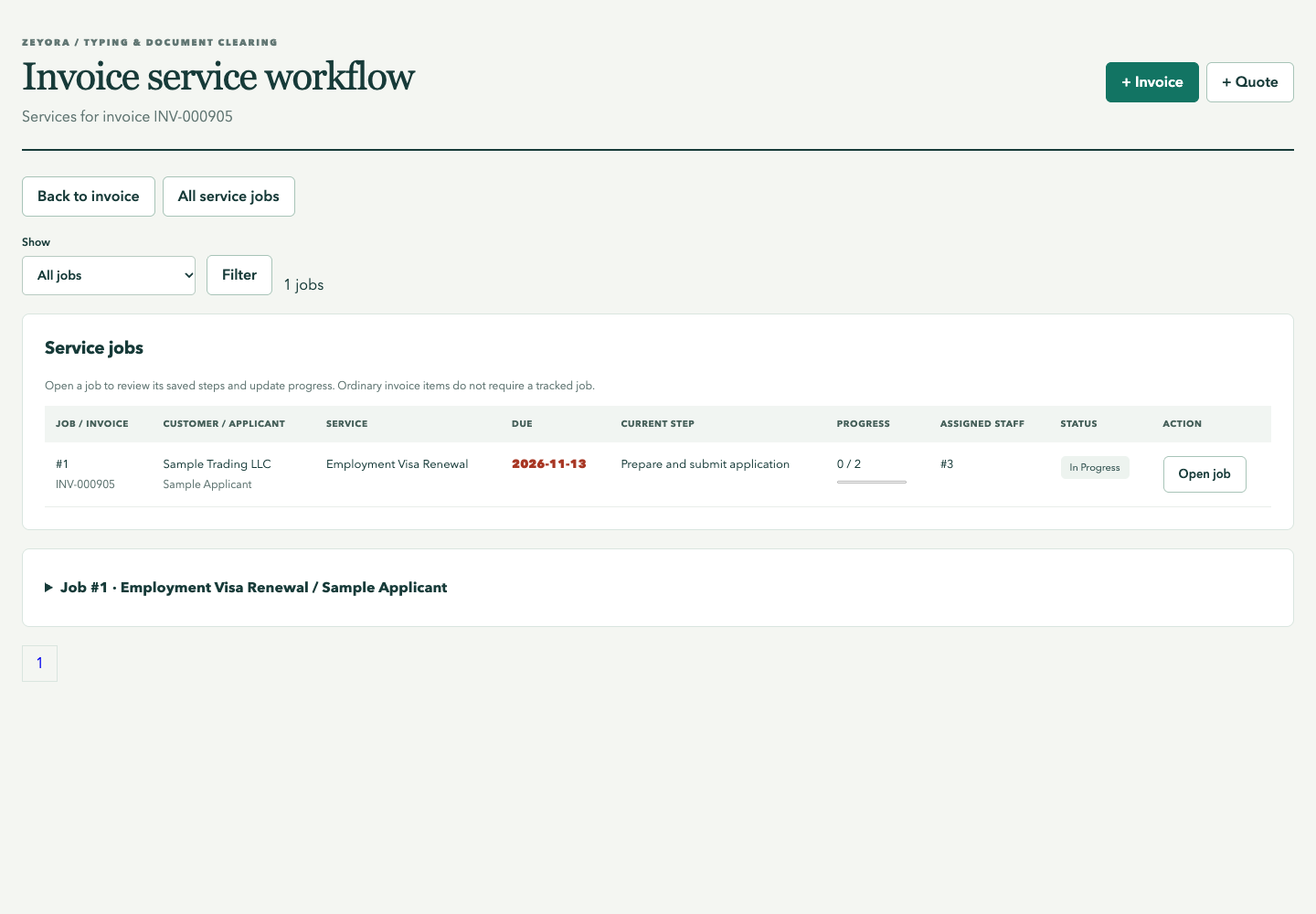
Review applicant details, service dates, assigned staff and the saved checklist in the service tracker.
Stage 2 of 4 · Your role and company settings determine the available action.
Open the job, record processing progress and review evidence through the existing protected controls.
Stage 3 of 4 · Your role and company settings determine the available action.
Use actual linked invoice references in receipts and review the permitted daily closing workflow. Advances do not gain invented invoice links.
Stage 4 of 4 · Your role and company settings determine the available action.
Typing centres, PRO teams and document-clearing businesses coordinating multiple services for each customer.
Typing Center; owner activation and separate counter, management and finance access.
Compare access, setup & plan scope →The reviewed v5.20 Release 1 adds the table tracker, sixteen editable checklist examples and linked invoice references in receipts. Release 2 government/third-party cost classification and detailed service/profit reports are not included.
Feature scope reviewed 28 November 2026. Confirm the installed release, activation and commercial scope with your administrator or Zeyora before rollout.
Yes. Existing items and optional service tracking remain available in both billing layouts. The owner chooses the company’s billing experience.
No. Selecting an example does not save it. Review and explicitly save the service; existing jobs retain their saved steps.
Only when an actual matching allocation exists. An advance without an invoice allocation has no invented invoice reference.
Review your process, module availability and implementation scope with our team.