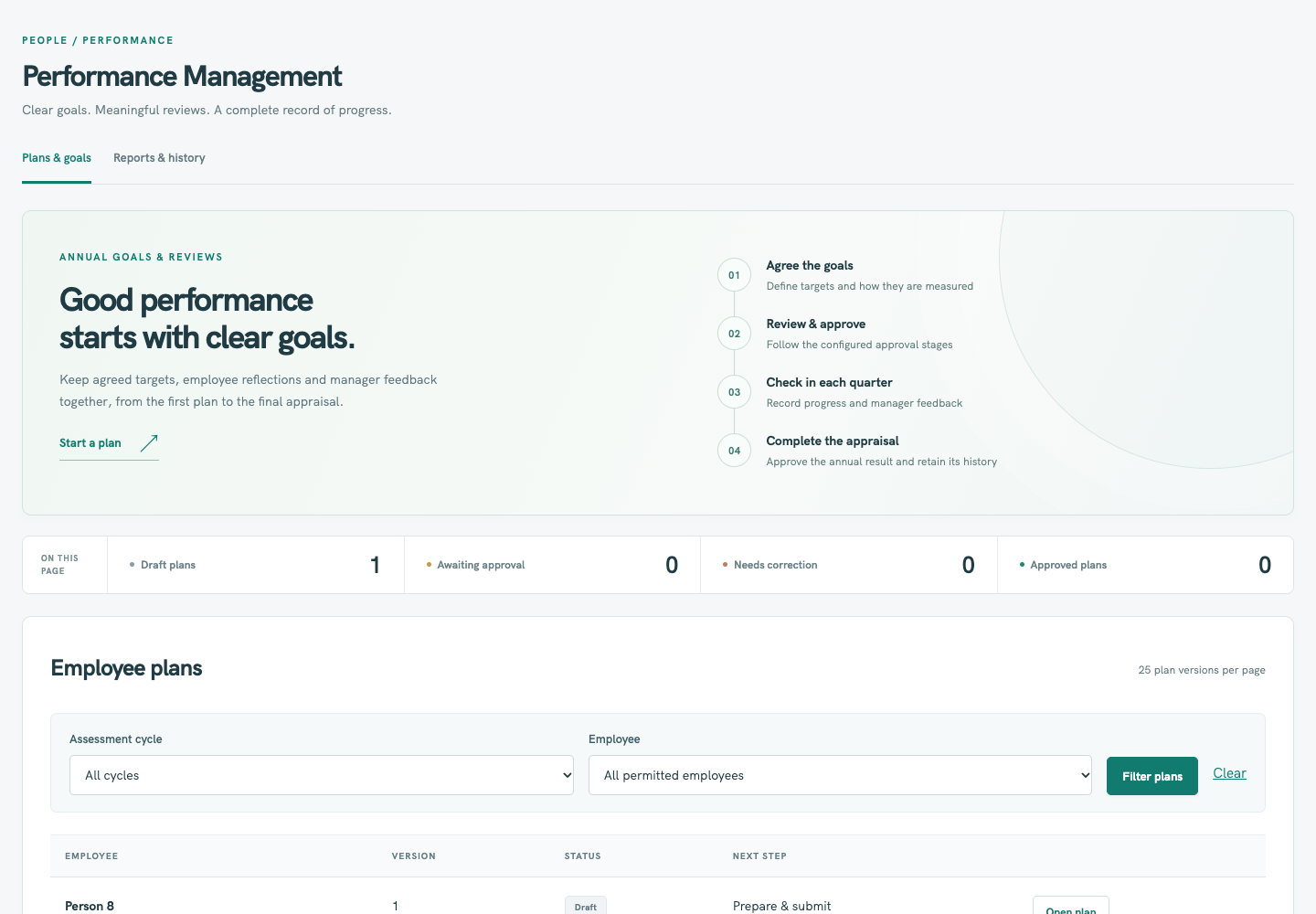
Agree the goals
Choose the assessment cycle, agree measurable goals and review category weights before submission.
Stage 1 of 4 · Your role and company settings determine the available action.
Bring annual goals, quarterly conversations and the final appraisal into one versioned performance record. Employees, managers and HR each have a defined part to play.
For teams in Bahrain · Company activation and permissions apply
Manage versioned annual goals, quarterly progress, separate self/manager assessments and staged annual approval.
Choose a stage to understand what happens next. This is an illustrative walkthrough using sample data.
Choose the assessment cycle, agree measurable goals and review category weights before submission.
Stage 1 of 4 · Your role and company settings determine the available action.
Follow the configured Line Manager, Plus-One and HR stages. An amendment retains the earlier approved version while the new version is reviewed.
Stage 2 of 4 · Your role and company settings determine the available action.
Record On Track, Partially On Track or Not On Track, with comments and evidence references. Optional quarterly ratings remain separate from the annual score.
Stage 3 of 4 · Your role and company settings determine the available action.
Save the employee self-appraisal, collect manager marks, complete validation and HR approval, then review the annual reports.
Stage 4 of 4 · Your role and company settings determine the available action.
HR teams and organisations that need a consistent annual review process across employees, departments and reporting levels.
HRM → Performance Management; explicit company activation, HR/Leadership access lists and assigned reviewers. Settings are under Leave & HR Settings → Performance Management.
Compare access, setup & plan scope →The November 27 prepared release includes the opt-in annual KPI workflow. Installed release, company activation and live acceptance must be confirmed for your account. Quarterly Champion calculations, Technical Assessment contribution, automatic target-to-rating conversion and changes to legacy periodic-report ratings are outside this release.
Feature scope reviewed 28 November 2026. Confirm the installed release, activation and commercial scope with your administrator or Zeyora before rollout.
Yes. Assignment ownership, categories, weights, approval stages, rating labels, bands and reminders are configurable. New defaults do not rewrite existing cycles.
No. Self-appraisal and manager assessment are separate; final annual scoring follows the configured manager scoring and approval rules.
Authorised users can review individual, department, company and historical results. PDF and Excel XML exports are provided; Excel XML is not an XLSX file.
Review your process, module availability and implementation scope with our team.