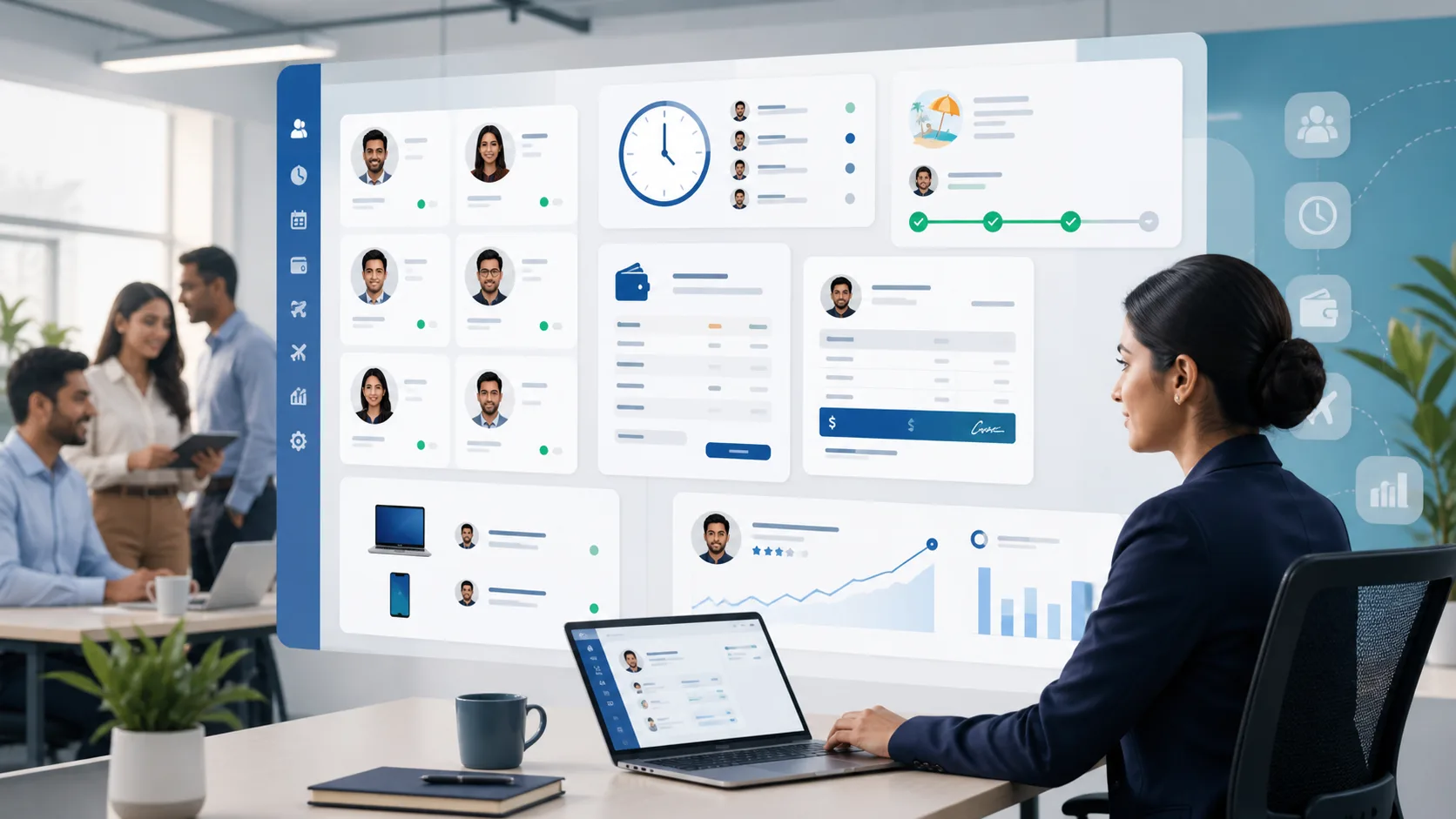
An employee asks about a leave balance. The manager checks a spreadsheet, HR looks through messages and nobody is sure whether the last request was approved. Keeping those records together makes the answer easier to check.
Start with employee records
A reliable HRM system should keep employee profiles, departments, teams, roles and key documents organized.
As teams grow, basic employee information becomes operationally important: joining dates, designations, reporting managers, document expiry dates, department structure and access permissions all need to stay accurate.
Attendance and leave should be visible
A manager reviewing next week’s staffing needs the leave dates and approval status. HR checking a disputed balance needs the policy and request history as well. Make sure each role can find the information needed for that decision.
- Employee profiles and department structure
- Attendance visibility for managers
- Leave requests and approval history
- Role-based access for HR, managers and employees
Connect HR with operations
Use approved leave and work schedules when planning team availability. Check what each report counts before comparing attendance with project time; a task timer and an attendance record describe different parts of the working day.
Why HRM matters for SMEs
Many SMEs manage HR through spreadsheets and chat approvals until it becomes difficult to track attendance, leave and employee records. Moving HRM into the business platform helps reduce admin work and gives managers cleaner visibility.
Implementation tip
Start with employee records, departments and basic attendance. Then add leave workflows, approvals and reporting once users are comfortable with daily updates.
Customer setup and practical verification
Check the employee’s manager, shift and policy, then follow one attendance day and one leave request through the account. If payroll is enabled, review a sample payslip with the payroll owner. For a device connection, ask Zeyora to arrange setup and confirm the employee mapping before relying on the imported punches.
Reviewed and expanded October 23, 2026. Read the complete HRM guide.